
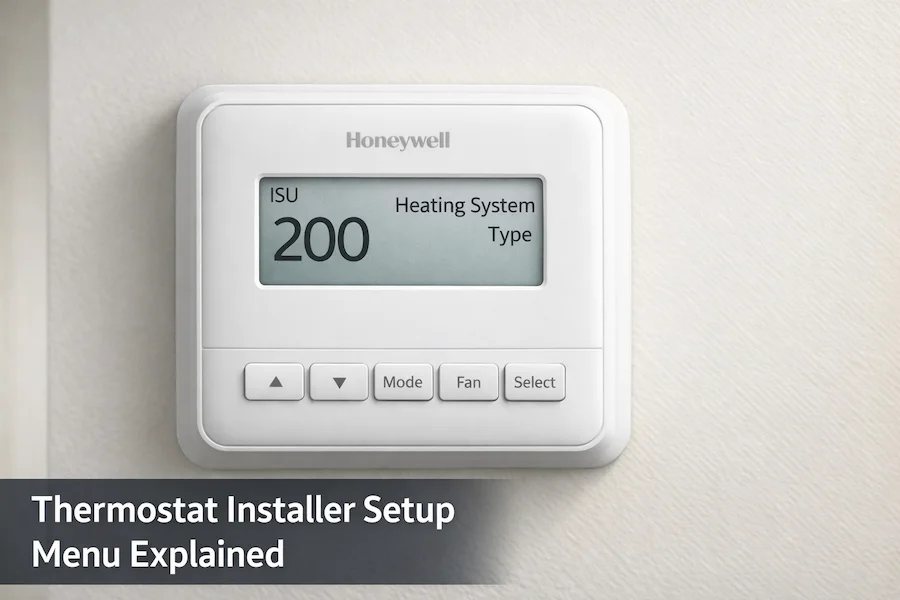
What Is a Thermostat Installer Setup Menu?
The thermostat installer setup menu (ISU) is used to configure your system during installation. If the settings are incorrect, the thermostat may not heat or cool properly. Each ISU setting controls a specific function, including system type, fan control, and compressor behavior. Understanding how these settings work helps you fix common issues and set up your thermostat correctly.
You Are in the Right Place If:
- Your thermostat turns on but heating or cooling is not working
- You see ISU on the screen and do not know what it means
- You just installed a thermostat and nothing is responding
- Some settings are missing from your installer menu
Quick Answer
A thermostat installer setup menu tells the thermostat what type of HVAC equipment it controls. It is a hidden configuration layer separate from the regular homeowner settings. The most critical setting in the menu is the system type, which must match your actual heating and cooling equipment. Without correct installer setup, the thermostat sends the wrong signals to the equipment.
What Is a Thermostat Installer Setup Menu?
A thermostat installer setup menu is the configuration system built into the thermostat that controls how it interacts with the HVAC equipment it is connected to. The installer setup menu is sometimes called the ISU menu on Honeywell thermostats. It is not visible from the regular home screen. The homeowner menu manages temperature, scheduling, and mode. The installer setup menu manages system compatibility.
The homeowner’s menu is on the front of the thermostat. It controls what you see and use every day. The installer setup menu is in the back. It is a set of configuration switches that tell the thermostat what kind of system is behind the wall. Access it during installation or when something is not working correctly after installation.
What does ISU stand for on a thermostat?
ISU stands for Installer Setup. It is the built-in configuration menu that allows a technician or homeowner to match the thermostat to the specific type of HVAC equipment it controls.
How is the installer setup menu different from the regular settings menu?
The regular settings menu controls daily use: temperature setpoints, schedules, fan mode, and display preferences. Any homeowner can change these without affecting how the system operates at a hardware level. The installer setup menu controls system behaviour: equipment type, fan wiring, compressor protection, and heat pump configuration. Changing these incorrectly can prevent the system from heating or cooling at all.
What the Installer Setup Menu Controls
The installer setup menu contains numbered settings called ISU codes. Each code controls one aspect of how the thermostat interacts with the HVAC system. The table below shows the main setting types, what each one affects, and what goes wrong when it is set incorrectly.
| Setting Type | What It Affects | Common Problem If Wrong |
|---|---|---|
| System type | Equipment matching: conventional, heat pump, radiant, steam | No heating or cooling at all |
| Fan control | Whether thermostat or equipment controls the blower | Fan runs constantly or not at all |
| Reversing valve O/B | Heat pump heating and cooling direction | Heating and cooling modes reversed |
| Compressor protection | Minimum delay between compressor cycles | Delay before system starts or flashing indicator on display |
| Cycle rate | How many times per hour the system cycles on and off | Temperature swings or excess equipment wear |
| Auto changeover | Whether Auto mode is available on the home screen | Auto mode not available on display |
| Auxiliary heat | Backup heat source type for heat pump systems | Backup heat does not activate correctly |
How a Thermostat Installer Setup Menu Works
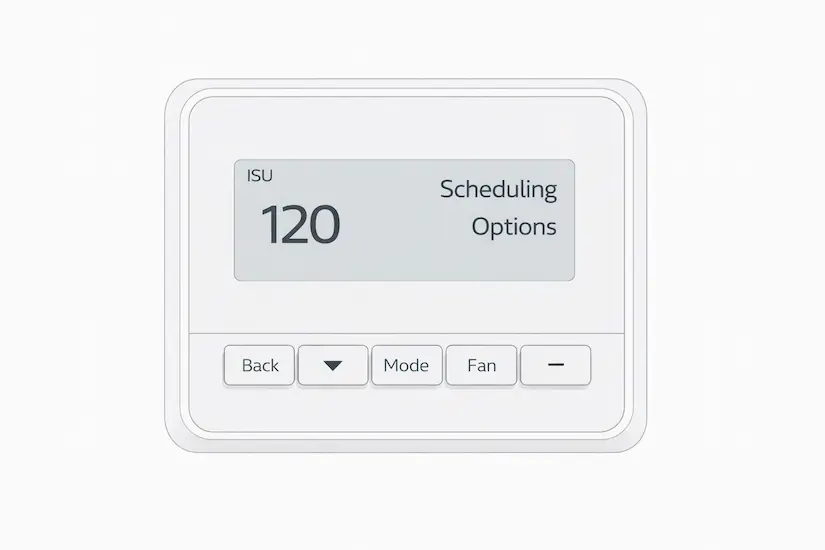
The installer setup menu works by displaying numbered codes on the screen. Each code controls one specific aspect of how the thermostat operates with the HVAC system. You use the plus and minus buttons to change the value of each setting and the Select button to move to the next one. All changes are saved automatically when you exit the menu.
The most critical setting across all Honeywell Pro Series thermostats is the system type setting, called ISU 200. It tells the thermostat whether the system is conventional forced air, a heat pump, radiant heat, or steam. All other installer settings depend on this value. If you already know your thermostat model, the full ISU guide explains each setting step by step. See the T6 Pro ISU menu guide or the T4 Pro ISU menu guide
Why some installer setup settings do not appear in the menu
The installer setup menu uses conditional logic. It hides settings that do not apply to your current system configuration. For example, heat pump settings only appear after the system type is set to “Heat Pump.” If you cannot find a setting, check the system type setting first. This is normal behaviour and is not a fault.
Why the Installer Setup Menu Exists
The installer setup menu exists for three reasons. The first is safety. This menu is hidden because changing these settings incorrectly can stop the system from working. Keeping it separate from the homeowner menu prevents accidental changes that could disable heating or cooling.
The second reason is compatibility. Every HVAC system is different. A conventional gas furnace needs different thermostat signals than a heat pump or a steam radiator. The installer menu enables the thermostat to match the specific equipment it controls. Factory defaults assume conventional forced air, which does not work for every home.
The third reason is professional accuracy. Installers configure the menu once during installation, and homeowners do not access it during daily use.
When You Need to Use the Installer Setup Menu
The installer setup menu is required in four situations. The first is a new thermostat installation. Setting the system type is the first configuration step after wiring. The second is replacing an old thermostat with a different system. The new thermostat must be configured for the equipment it now controls. In both cases, the thermostat installer setup menu is the first place to go before testing the system.
The third situation is when the system is not heating or cooling correctly after installation. The most common cause is the system type set to the wrong value. The fourth situation is configuring a heat pump for the first time. Heat pump systems require at least 3 specific settings: reversing valve direction, backup heat type, and compressor lockout. These only appear after the system type is set to “Heat Pump.”
What Happens If You Skip the Installer Setup Menu
Skipping the installer setup menu leaves the thermostat on factory defaults. For a standard conventional forced-air system, this sometimes works because the default system type is conventional forced air. For every other system type, it does not work correctly.
A heat pump running on conventional defaults does not reverse correctly between heating and cooling. A radiant heat system does not receive the correct signals. The steam system does not heat at all.
Symptoms Caused by Incorrect Installer Settings
If your system is not working correctly after installation, the cause is commonly one of these six installer settings. Use the table to match your symptoms to the setting that needs checking.
| Symptom | Likely Cause | Setting to Check |
|---|---|---|
| System not heating or cooling after install | Wrong system type configured | System type — ISU 200 on Honeywell Pro Series |
| Heating and cooling modes reversed | O/B reversing valve set incorrectly | Reversing valve — ISU 218 on Honeywell Pro Series |
| Fan runs continuously | Fan control set to wrong value | Fan control — ISU 230 on Honeywell Pro Series |
| Auto mode not available on display | Manual changeover selected in installer menu | Auto changeover — ISU 300 on Honeywell Pro Series |
| Flashing delay indicator on display | Compressor protection delay active | Compressor protection — ISU 387 on Honeywell Pro Series |
| Some installer settings not visible | Conditional menu hiding irrelevant settings | Check system type setting first — hidden settings appear after |
If you already know your thermostat model, the full ISU guide explains each setting step by step. See the T4 Pro ISU menu guide or the T6 Pro ISU menu guide for step-by-step instructions. For broader system faults that go beyond the installer menu, the Honeywell thermostat not working guide covers full diagnostic steps.
Honeywell Pro Series Thermostats with an Installer Setup Menu
All three Honeywell Pro Series thermostats manufactured by Resideo Technologies include an installer setup menu. The T1 Pro has a basic ISU menu covering system types, fan controls, and scheduling. It supports single-stage conventional systems and has fewer settings than the T4 Pro and T6 Pro. For the T1 Pro thermostat guide, see it.
The T4 Pro has a more complete ISU menu that adds cycle rate settings at ISU 365 and 370 and a full Group 1400 for display and clock settings. It supports single-stage heating and cooling only. The T6 Pro covers over 30 ISU settings, including two-stage compressor support, outdoor sensor configuration, and advanced heat pump controls. For the complete T4 Pro ISU guide, see the Honeywell T4 Pro ISU Menu. For the complete T6 Pro ISU guide, see the Honeywell T6 Pro ISU Menu. See the Honeywell Pro Series thermostat guide for a detailed comparison of all three models. For example, the Honeywell T6 Pro ISU menu includes 14 configurable settings covering everything from system type and fan operation to compressor protection and outdoor temperature lockout—making it one of the more involved setup menus in the Pro Series range.
FAQ’s
Conclusion
A thermostat installer setup menu is the configuration layer that matches the thermostat to the HVAC system it controls. It is separate from the daily use menu, hidden from the home screen, and accessed using a button sequence during or after installation. The system type setting is the most important value in the entire menu.
Once the installer setup is correct, the thermostat works as designed. This article was reviewed for technical accuracy against official Honeywell Home installation documentation published by Resideo Technologies.